
Introduction
Many gamers today try to relive classic PlayStation 1 titles on modern devices, but they often run into issues like games not launching, poor performance, or emulator errors. These problems usually confuse beginners because they assume the emulator alone is enough to run games smoothly.
The real solution lies in understanding how PS1 emulation actually works and why BIOS files are essential for it. Without proper BIOS configuration, emulators cannot fully replicate the original PlayStation environment, leading to frequent errors and instability.
What is PlayStation 1 Emulation?
PlayStation 1 emulation is the process of running PS1 games on devices such as PCs, laptops, and mobile phones using special software called emulators. These programs recreate the hardware of the original console digitally.
Popular emulators like DuckStation and ePSXe allow users to enjoy classic PS1 games without needing the original hardware. However, proper setup is required for smooth performance.
Why BIOS Files Are Essential for PS1 Emulators
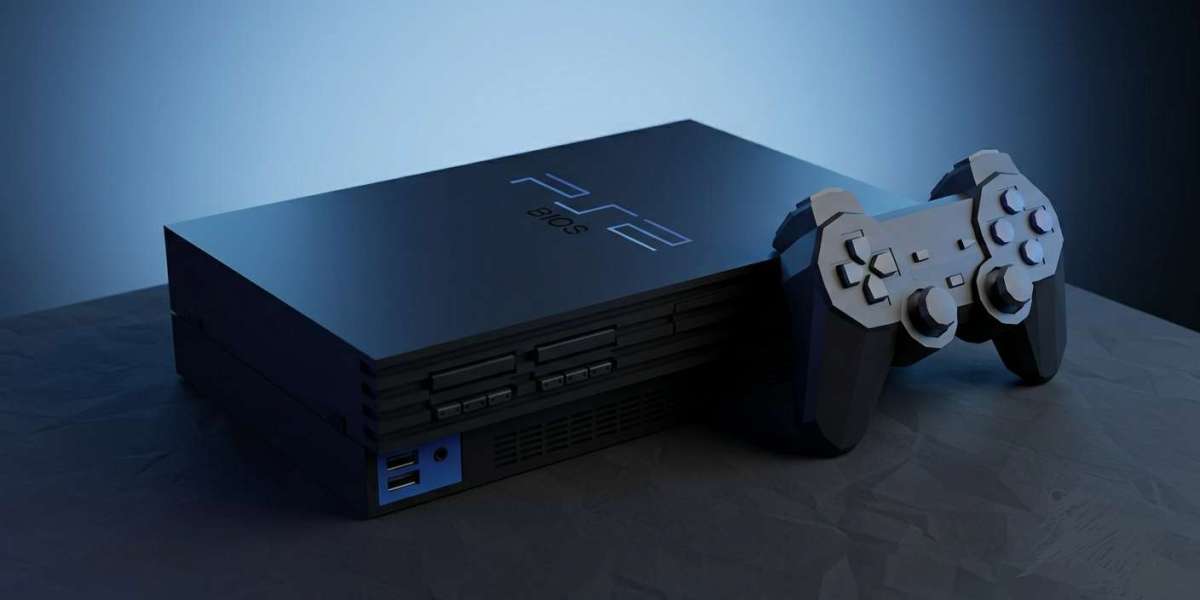
BIOS files act as the core system software of the original PlayStation console. They are responsible for starting the system and managing low-level hardware functions.
Without BIOS files, most PS1 emulators cannot properly boot games or may behave unpredictably. This makes BIOS an essential part of any working PS1 emulation setup.
How BIOS Works Inside an Emulator
When a PS1 game is launched in an emulator, the BIOS is the first component that activates in the background. It initializes the virtual system and prepares it to load the game correctly.
It also ensures compatibility between the emulator and the game by simulating original PlayStation hardware behavior. This is why missing or incorrect BIOS files often cause startup failures.
Setting Up a PS1 Emulator Properly
To run PS1 games smoothly, users need to follow a proper setup process:
1. Install a Trusted Emulator
Choose a reliable emulator such as DuckStation or ePSXe for better compatibility and performance.
2. Configure BIOS Files
Add the correct BIOS files into the emulator’s system directory so it can properly initialize the PS1 environment.
3. Load Game Files
Games usually come in formats like ISO or BIN, which can be loaded directly into the emulator.
4. Optimize Settings
Adjust graphics, audio, and controller settings based on your device for the best performance.
Common PS1 Emulator Issues
Beginners often face several issues while setting up PS1 emulators, including:
- Games not starting at all
- Black screen on launch
- Audio or video glitches
- Controller not responding correctly
Most of these issues are caused by incorrect BIOS setup or missing system files.
How to Fix Emulation Problems
Most PS1 emulator issues can be resolved by:
- Ensuring BIOS files are correctly installed
- Using updated emulator versions
- Verifying game file integrity
- Adjusting compatibility and graphics settings
A proper setup significantly improves stability and performance.
Why Retro Gaming is Still Popular
Retro gaming remains popular because it allows players to revisit classic titles from earlier gaming generations. PS1 games, in particular, hold nostalgic value for millions of players worldwide.
Modern emulation makes it possible to enjoy these games without needing old hardware, which is often difficult to find today.
Safe and Proper Usage of Emulation
While emulators themselves are legal, users should always ensure they obtain BIOS files and game backups from legitimate sources. Using unauthorized or pirated files may violate laws depending on the region.
Responsible usage ensures a safe and ethical retro gaming experience.
Conclusion
PlayStation 1 emulation offers a great way to experience classic games on modern systems, but it requires proper understanding of BIOS files and emulator setup. Without BIOS configuration, most emulators cannot function correctly.
For users looking to understand or obtain proper PS1 BIOS setup guidance, this resource can help visit here.