
What Does a Capture Card Actually Do?
A capture card is a device that takes the video and audio output from your gaming console or PC and feeds it into your streaming or recording PC. It sits in the signal chain between your console and your TV or monitor, passing the video through to the display while simultaneously capturing it for your PC to encode and stream or record.
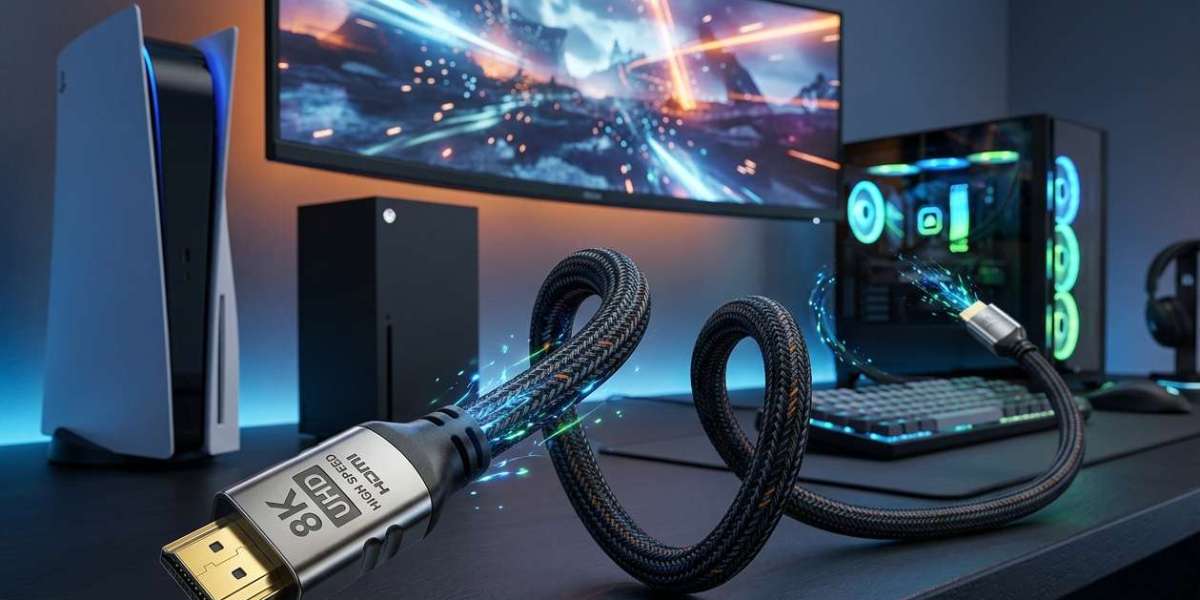
The capture card works in tandem with the cables in your setup. On the console side, a quality pair of hdmi cables — one from console to capture card, one from capture card to display — forms the backbone of the capture pipeline. Low-quality cables here can introduce signal issues that affect your captured footage.
Internal vs External Capture Cards
Internal capture cards (like the Elgato 4K60 Pro MK.2) install inside your PC via a PCIe slot and are typically faster and more capable than external alternatives. External capture cards (like the Elgato HD60 X) connect via USB and are more portable, easier to set up, and ideal for users without a dedicated gaming PC.
For console streamers who connect their PS5 or Xbox to a TV, the capture pipeline usually looks like this: console → capture card → TV. The hdmi cable for tv runs from the capture card output to the TV, ensuring you see the full quality display while the capture card simultaneously records or streams at its supported resolution.
Resolution and Frame Rate Support
Modern capture cards support a range of resolutions from 1080p/60fps to 4K/60fps and even 4K/120fps at the premium end. The key is matching your capture card's capabilities to what your console outputs. A PS5 or Xbox Series X outputting 4K/120fps requires a capture card that can handle that throughput — and appropriate HDMI cables on both sides.
For 4K capture, using the best ultra high speed hdmi cable on both the input and output side of your capture card ensures no signal degradation occurs in transit. This is especially important when capturing HDR content, as HDR metadata is particularly sensitive to cable quality.
HDR Passthrough: The Feature You Need to Understand
Many capture cards offer HDR passthrough — they allow HDR to pass through to your TV for display while capturing SDR (Standard Dynamic Range) footage for your stream or recording. This is important because streaming platforms and recording software typically work best with SDR content, while you still want the full HDR experience on your display.
To take full advantage of HDR passthrough, the cable from your capture card to your TV needs to be an hdmi output cord rated for HDR content — meaning HDMI 2.0 minimum and ideally HDMI 2.1 for 4K/120Hz HDR passthrough. Do not let a subpar cable be the weak link in your HDR passthrough chain.
Software Compatibility
Capture cards work with streaming and recording software like OBS Studio, Streamlabs, XSplit, and others. Elgato's lineup is particularly well-integrated with OBS, while AVerMedia cards have their own capable proprietary software. Ensure the card you choose is supported by your preferred software before purchasing.
The software side of streaming mirrors the hardware side — both need to work together seamlessly. Just as your hdmi cord ensures the hardware connection is clean, your streaming software ensures the captured signal is processed and delivered efficiently to your audience.
The Best Capture Cards by Tier
Budget: AVerMedia Live Gamer Mini — excellent 1080p/60fps capture for beginners. Mid-range: Elgato HD60 X — supports 4K/30fps capture and 4K/60fps passthrough. Premium: Elgato 4K60 Pro MK.2 — internal card with 4K/60fps capture and HDR support. Ultra-premium: AVerMedia Live Gamer Portable 2 Plus for dual-PC setups.
Pairing a premium capture card with a hdmi cable for pc for the input connection from your console ensures the capture card receives the cleanest possible signal to record. The output to your display should equally use a quality cable for the full streaming setup to perform at its best.
Single PC vs Dual PC Streaming Setups
Some streamers use two PCs: one for gaming and one dedicated to encoding and streaming. This offloads the CPU-intensive encoding work from the gaming PC, allowing it to run games without performance impact. Single-PC setups are simpler and work well with modern multicore processors and NVENC or AMD VCE hardware encoding.
In a dual-PC streaming setup, the connection between the gaming PC and the capture/streaming PC uses HDMI cables. Using a quality 4k hdmi cable for this connection ensures that the capture PC receives the full resolution and color depth from the gaming PC for the highest quality recordings and streams.
Streaming Setup Checklist
• Determine capture resolution target: 1080p for most streamers, 4K for premium content.
• Choose between internal (performance) and external (portability) based on your setup.
• Verify HDR passthrough support if you game with HDR enabled.
• Use certified HDMI cables on both input and output sides of the capture card.
• Check software compatibility with OBS or your preferred streaming platform.
A great capture card setup is the sum of its parts. Quality hardware, the right cables, and solid software all need to work together. When they do, your content will reflect the genuine quality of your gameplay.
Original Article :- Click Here